
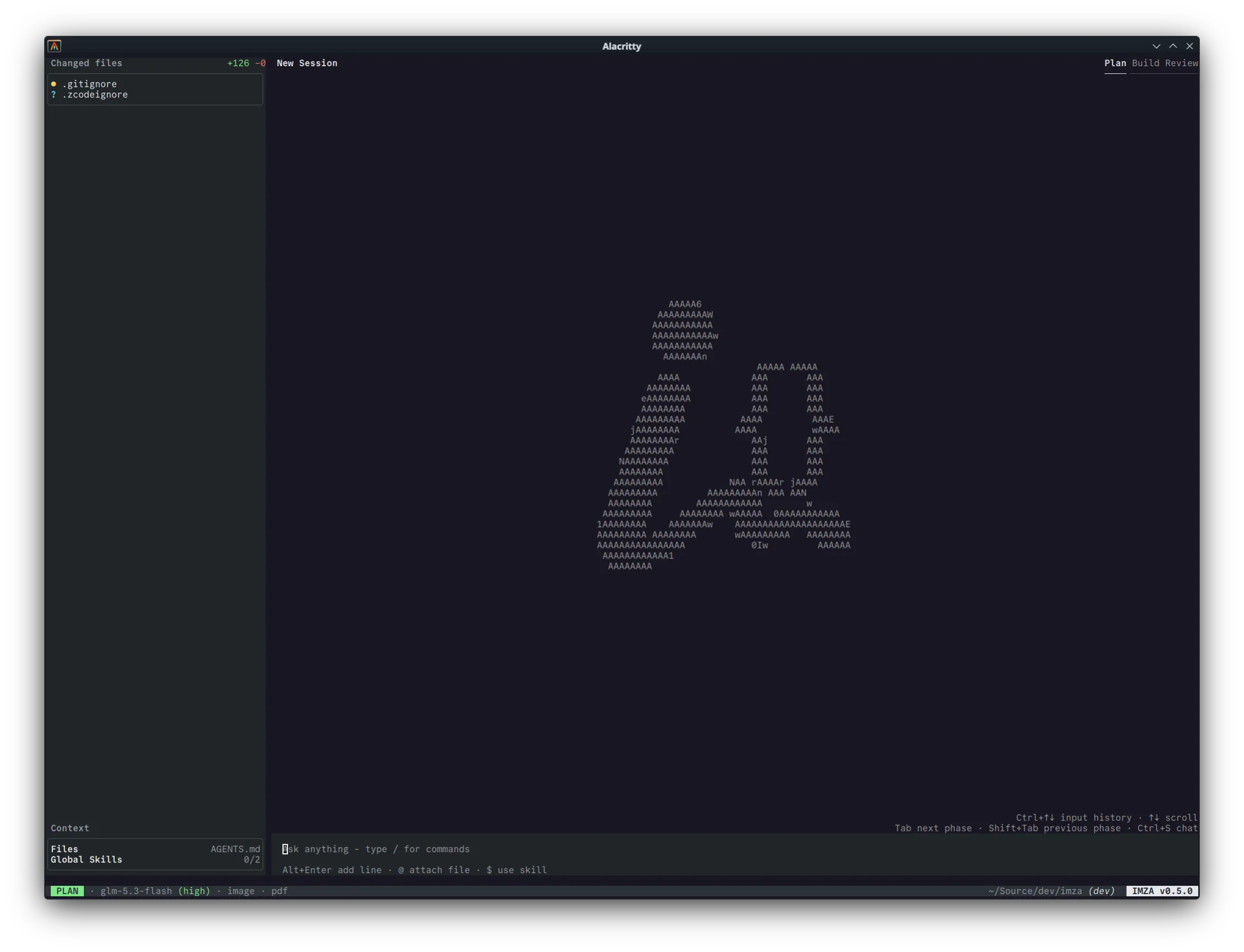
Welcome to the Imza user wiki. Imza is a terminal-based coding agent: open it in a project directory, connect any OpenAI-compatible or Anthropic-compatible model, and describe the outcome you want. Imza reads your project instructions, gathers context, asks questions when needed, and works through the task with visible reasoning, tool calls, diffs, and approval prompts.
| 1. Installation | Get a binary, build from source, first launch, updates. |
| 2. Connecting a model | Providers, API keys, subscriptions, local models, model & reasoning selection. |
| 3. The workflow | Plan → Build → Review: the plan document, the chat tab, prompt syntax, the review pane, and the sidechat. |
| 4. Permissions | Approval prompts, directory & shell grants, unattended runs. |
| 5. Sessions | Persistence, restoring, deleting chat sessions. |
| 6. Skills & instructions | $skills, project instruction files, skill policies. |
| 7. Subagents | Delegation to concurrent agents: roles, per-role models, transcripts. |
| 8. MCP servers | Connect external services: catalog, browser sign-in, custom endpoints, agent tool access. |
| 9. Headless mode | Run Imza from scripts and CI: --ask, --exec, pre-approved grants, exit codes. |
| 10. ACP & editor integrations | Run Imza inside an editor over the Agent Client Protocol. |
| 11. Configuration | Every option in config.json, the data directory, and prompt overrides. |
| 12. FAQ | Common questions and troubleshooting. |
| 13. Features & roadmap | The complete feature inventory and planned work. |
| 14. Why Imza | Why the project exists and the direction it takes. |
Keys, Commands, and Flags
The wiki documents the key that starts a feature on the page that describes the feature. A page that names a feature without saying how to reach it is not usable.
It does not reproduce the full key map, because those change between
releases. The footer of the pane you are in is the authority for that pane.
Press / for the command list, and run imza --help for the flags.
Configuration File Locations
Imza keeps everything it remembers between runs in a single JSON file,
config.json, in the platform data directory. Open it with
imza --config, which creates it when it is missing.
Configuration documents the path for each platform,
every option in it, and the other files that live beside it.
Command Line
imza [directory] [options]A positional directory selects the working directory. The flags group into a few jobs:
| Job | Flags |
|---|---|
| Open a saved session | --session |
| Override the model or reasoning effort for one run | --model, --variant |
| Pre-approve access | --allow-dir, --allow-cmd |
| Run headless | --ask, --exec |
See Headless mode for the scripting workflow and Permissions for grants.
Run imza --help for the full list of flags.